Launching4 min read
Designing traits that feel balanced
Balance is how a collection looks as a whole, not just rarity math. Keep traits readable, avoid clashes, and test the grid before you launch.
KURV teamAlso in Español, Português (Brasil)
On this page13 sections
Rarity weights decide how often a trait appears. Balance is a different question: does every piece look good, and does the collection look good as a grid? A collection can have perfect rarity math and still feel off, because a few traits overpower everything or some combinations look broken. This article is about the visual side. Traits, layers and rarity 101 covers the weights.
What “balanced” means
A balanced collection has three qualities:
- Every piece looks finished. No combination looks like a mistake.
- No single trait shouts over the rest. A neon background shouldn’t make every other trait invisible.
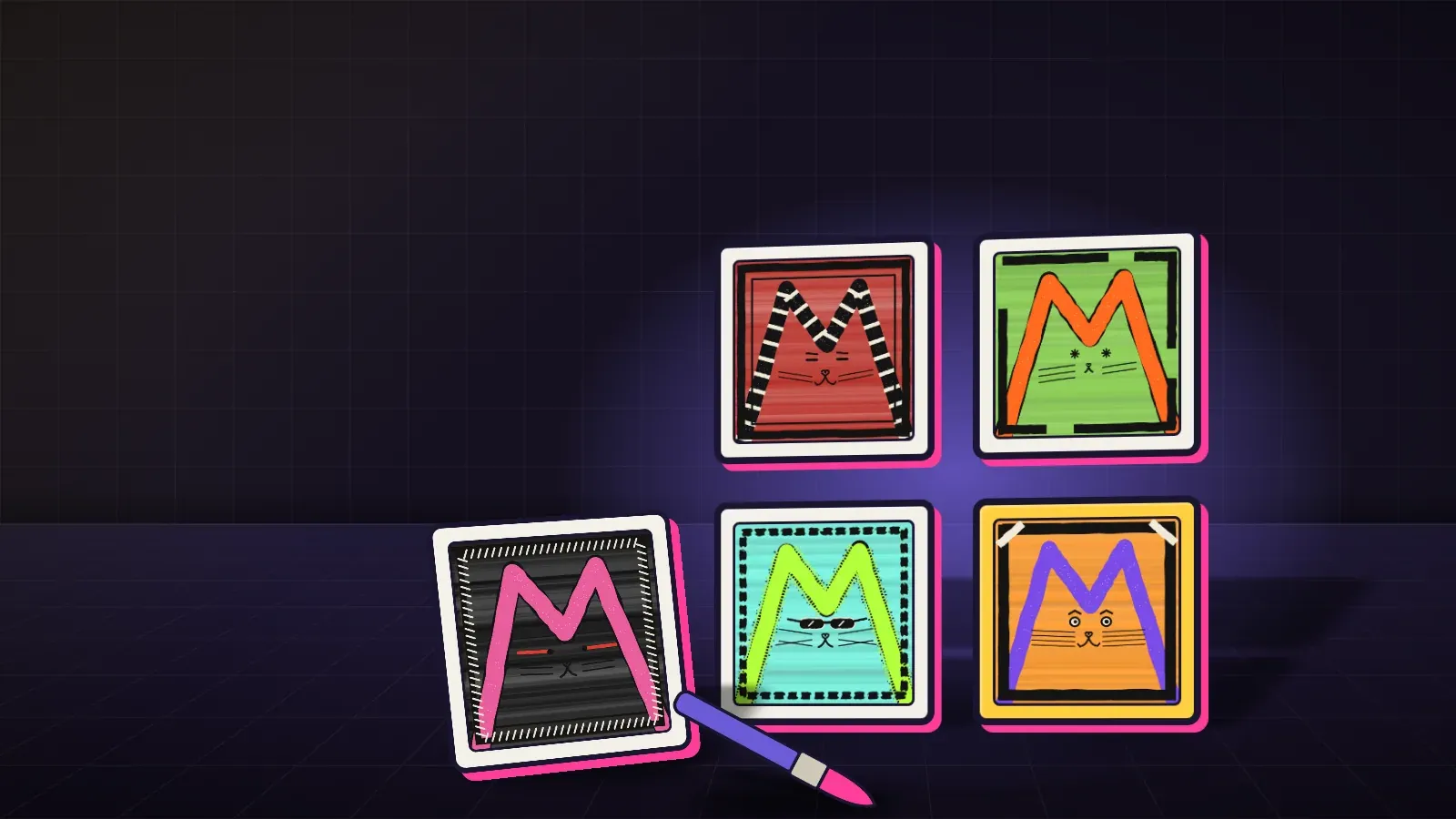
- The grid reads as one family. Scrolling Explore, people should recognize your collection at a glance.
Visual weight
Some traits draw the eye more than others: bright colors, big shapes, high contrast, anything near the face. Give each layer a range from quiet to loud, and keep the loud end rare and the quiet end common. If every hat is huge and bright, the hats become the collection.
Color
- Pick a palette first. A small set of colors keeps traits working together.
- Check contrast. Dark eyes on a dark face disappear.
- Watch background against subject. If a background shares the main body color, the character blends in.
Clashes and exclusions
Some traits just don’t work together: a big hat over a big hairdo, two patterns fighting, a mouth trait hidden by a mask. Options:
- Redraw one trait so they fit.
- Split a layer so the clash can’t happen.
- Remove the weaker trait entirely.
The simplest fix is usually redrawing, because it keeps every combination valid.
A worked example
Leo’s cat collection had eight backgrounds, and one of them was a busy pattern of tiny stars. In the Studio grid, the star pieces were all anyone noticed, and the cats on them looked messy. He tried softening the pattern, then made it much rarer. Now it’s a nice surprise in the grid instead of noise. He also found that his white fur trait vanished on his cream background, so he darkened the background a step.
Testing balance, step by step
- Build the full collection in Studio. It runs in the browser for free.
- Look at the grid zoomed out. Does one trait dominate?
- Look at single pieces zoomed in. Any combinations that look broken?
- Squint. If you can’t tell the characters apart from the background, contrast is too low.
- Ask someone new which pieces they’d want and which they’d skip. If many say “skip”, find out why.
- Fix the source art, rebuild, look again.
Fairness across pieces
Collectors compare. If half the pieces look great and half look like leftovers, the leftovers are hard to love. Aim for every piece to have at least one thing worth showing off. A quiet piece can still have a great expression.
Balance in finished art
If you bring finished art instead of layers, balance still matters. Look at the whole set side by side. Do some pieces have far more detail or color than others? Is the style consistent? Do the pieces read as one collection?
Silhouette and face
The outline of a character and its face carry most of its personality. If a trait changes the silhouette a lot (a huge hat, wings, a tall hairdo), it’ll pull attention in every grid, so treat it as a loud trait. Faces need the most care: eyes and mouths should read clearly at thumbnail size, because that’s how most people first see a piece on Explore.
Keeping a family look
A few anchors hold a collection together while traits change:
- One pose, or a small set of poses.
- One line style and line weight.
- One framing, so characters sit in the same spot in every piece.
- A shared palette.
Max Cat keeps a Frame layer as the last of his seven, which is one way to give every piece a consistent finish.
Common mistakes
- Making every trait loud, so nothing stands out.
- Ignoring combinations and checking only individual traits.
- Judging from thumbnails only, or full size only. Check both.
- Fixing clashes by luck instead of redrawing.
- Letting the rare trait be the only good one. Common pieces deserve love too.
FAQ
Is balance the same as rarity? No. Rarity is how often a trait shows up. Balance is how the collection looks.
How many traits per layer should I have? Enough to keep the grid varied for your supply. Fewer, better traits beat many weak ones.
Can I fix balance after launch? Treat the published collection as final. Fix it in Studio first.
Should I show the grid before launch? Sharing a few pieces helps build interest, and feedback helps balance.