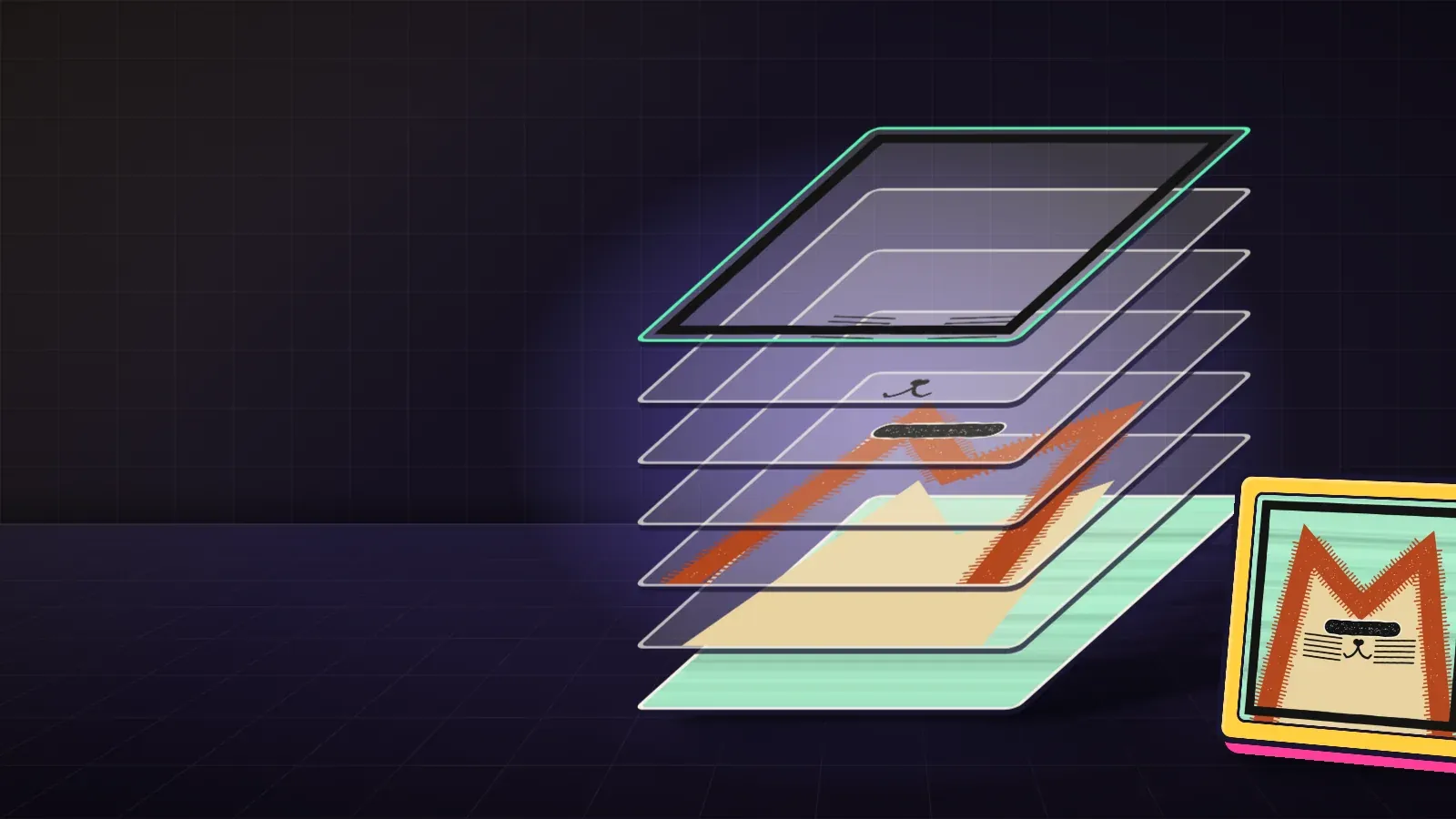
Ebook12 pages482 KB
Draw your traits
Nine drawing apps, one method. Same canvas, anchors, one palette, and every trait exported as a transparent PNG named layer_trait.
KURV team
A field guide for creators who draw every trait themselves. It covers nine drawing apps and one method: the same canvas for every file, the trait drawn in its final spot, and a transparent background so the layers stack. Reading time in the book is about 20 minutes.
On KURV, layered art is one of the two ways to bring a collection. This book stops at the folder. The launch itself is on testnet, at testnet.kurv.fun, where coins are free and nothing has value.
Who it is for
Creators who want to paint, draw vectors, or place pixels by hand, in Procreate, Photoshop, Illustrator, Figma, Canva, Krita, Aseprite, Piskel, or LibreSprite. No code, and no earlier KURV reading.
What is inside
- How a trait file works. Same canvas, same position, transparent background.
- Pick your tool. Raster, vector, and pixel apps, with what each one costs and how steep it is.
- Find your tool, then sketch. Choose from the look you want. If you use an AI image as a rough underdrawing, redraw it by hand and check that tool’s terms.
- Your master template. One square file, guides locked, base never moved.
- One palette for everything. A short swatch list, one outline, one light direction.
- Procreate, Krita and Photoshop. Setup and PNG export in each painting app.
- Illustrator, Figma and Canva. The same idea in shape apps. Canva’s transparent PNG export needs a paid plan.
- Aseprite, Piskel and LibreSprite. Draw small, then scale up by whole numbers.
- Export and naming. One folder per layer, files named layer_trait.png, lowercase.
- Test stacks, catch mistakes. Three traits per layer, then a look for trimmed files, baked-in white, mixed sizes, and names with spaces.
Where to read more
Testnet pieces and coins have no value. Apply to launch at kurv.fun/apply. On testnet, minting, trading, and launching need an invite code. Browsing does not.