Collecting4 min read
How to mint an NFT on KURV
Minting on KURV step by step: who can mint, what the mint page shows, where your money goes, what a Vault top-up is, and how free mints work.
KURV teamAlso in Español, Português (Brasil)
On this page9 sections
Minting means buying a brand-new piece straight from a collection. Here’s exactly what happens on KURV, what the mint page shows, and where your money goes, step by step.
Before you start
You’ll need:
- A KURV login. Logging in makes a wallet for you. See What is a crypto wallet?
- An invite code. On testnet today, a wallet mints, trades and launches once it has redeemed an invite code. Without one, the mint page shows Enter invite code where Mint would be.
- Enough of the collection’s coin, usually USDC, plus a little SOL for the network fee on a Solana collection.
Step 1: Open the mint page
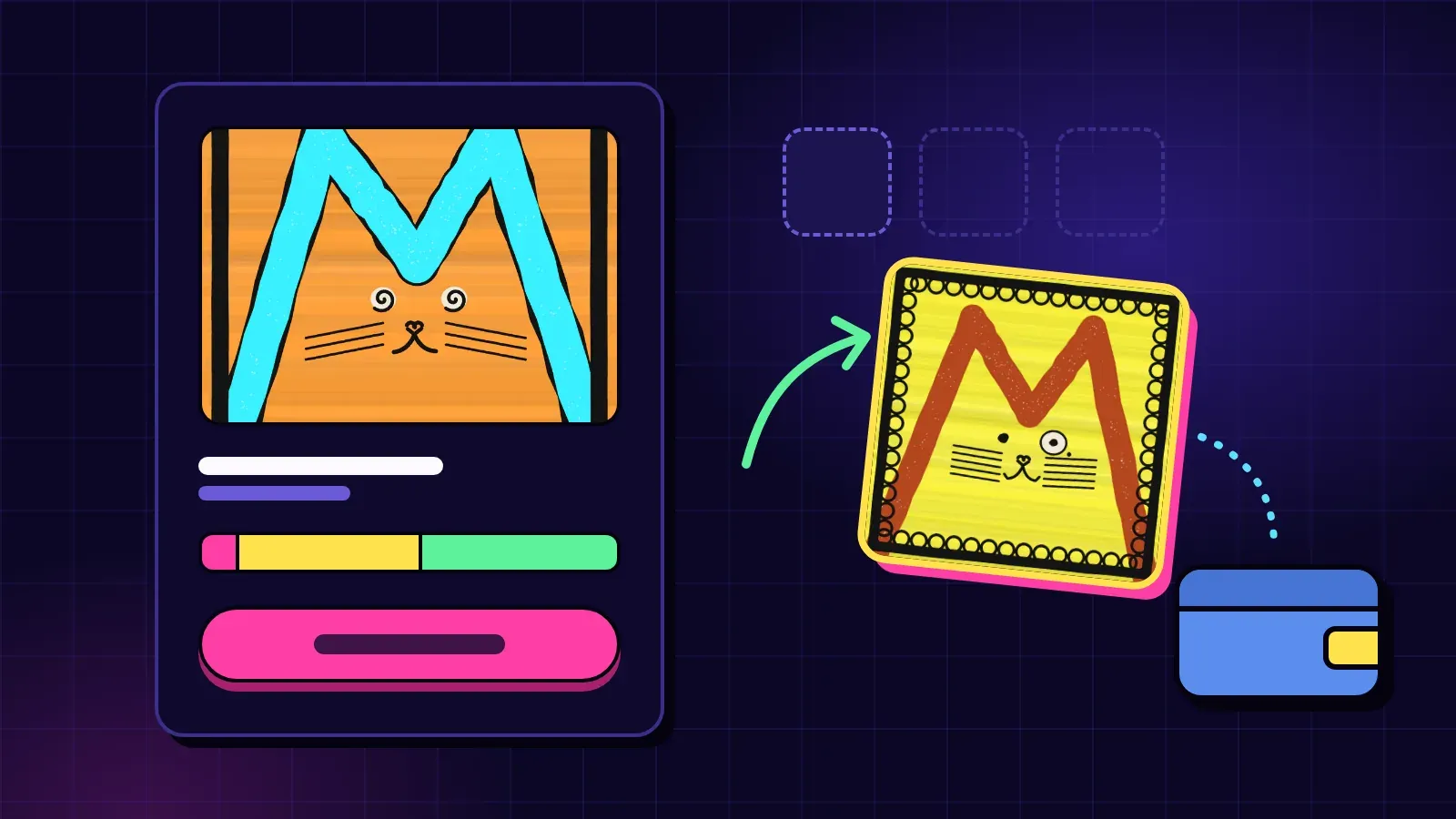
From Explore or a link the creator shared, open the collection’s mint page. You’ll see:
- cover art, the name, the creator and a link to the contract
- the network the collection lives on (Base or Solana, on testnet today)
- short labels, like whether the art can still change or is locked
- how many pieces are minted and how many are left
- the open phase, headed Mint, with what the next piece costs
- The Vault: what the Vault would pay for a piece today (see below)
- a line just for you, like “You can mint · up to 4 at a time,” or the reason you can’t
Step 2: Check you can mint
The page checks this for you. You can mint when:
- a phase is open
- pieces are left, in the collection and in this phase
- your wallet is on the list, if the phase has an allowlist
- you’re under the phase’s limit per wallet
- your wallet holds enough of the collection’s coin
If something’s missing, the Mint button stays off and the page tells you why.
What’s a phase? A window of time with its own price and limits. Creators often run an allowlist phase first (for early supporters), then a public one.
Step 3: Choose how many, and read the breakdown
Pick a quantity. Before you buy, the page shows the price and the split: KURV’s 5% mint fee, the creator’s share of what’s left, and any Vault top-up. On a phone, tap Where your $X goes to see it.
What’s a Vault top-up? Every collection launched on KURV has a Vault. Each paid piece has to bring the Vault at least the current backing per piece, so pieces already out keep theirs. If the part of the price that reaches the Vault is less than that, the difference is added on top and goes straight into the Vault. The page includes it in your total before you pay.
Example from the docs: a $10 phase price, a 50% creator share and $8 of backing per piece means you pay $13.25. That’s $0.50 to KURV, $4.75 to the creator, $4.75 + $3.25 top-up to the Vault.
Price types you might see:
- Fixed price: one price for the phase.
- Mystery mint: one price, and the art stays sealed until the creator reveals.
- Rising price: each piece costs a little more than the one before, so the next price changes with every mint. The page always shows it.
Step 4: Tap Mint and confirm once
Tap Mint and confirm once in your KURV wallet. Payment and mint go out together as one operation, and on testnet the network fee on Base is covered. Either everything happens or nothing does.
You get the next piece in line, in number order. It lands in your wallet and shows up under My pieces.
Free mints
Some collections are free. You still pay a small KURV service fee of $0.25 per piece on a USDC collection, plus the network fee. The mint page shows it before you mint.
After you mint
- Mystery mint? Your piece shows a holding image until the creator reveals. On KURV, the reveal can only show the art sealed when the collection was launched, and it freezes that art.
- Selling later: you can list a piece, take offers, or, whenever the collection’s Vault holds money, sell it back to the Vault at that moment’s Vault Exit.
A Vault Exit is a quote at a moment, based on what that collection’s Vault holds. A Vault can hold $0. It isn’t a promise about later, and it isn’t protection against an NFT losing value. The Market Floor (what people ask on the market) is a separate number that moves on its own.
A few honest reminders
- Read the amount before you confirm. If a number looks wrong, stop.
- Prices and quotes can change before your transaction runs. If the result falls outside your limit, nothing moves, but the network fee is still spent.
- Nothing here is financial advice. Mint because you like the art and the people, not because of a price you hope for.
Next steps
- Find something to mint: testnet.kurv.fun
- Understand the Vault: The Vault, explained simply
- Sale methods: Fixed, mystery or rising
- Selling later: Buying, selling and offers on KURV’s market
- Full detail: Mint a piece · Fees